
Griffin Hammond & THE LUMIX GH5M2




THE NEW LUMIX GH5M2
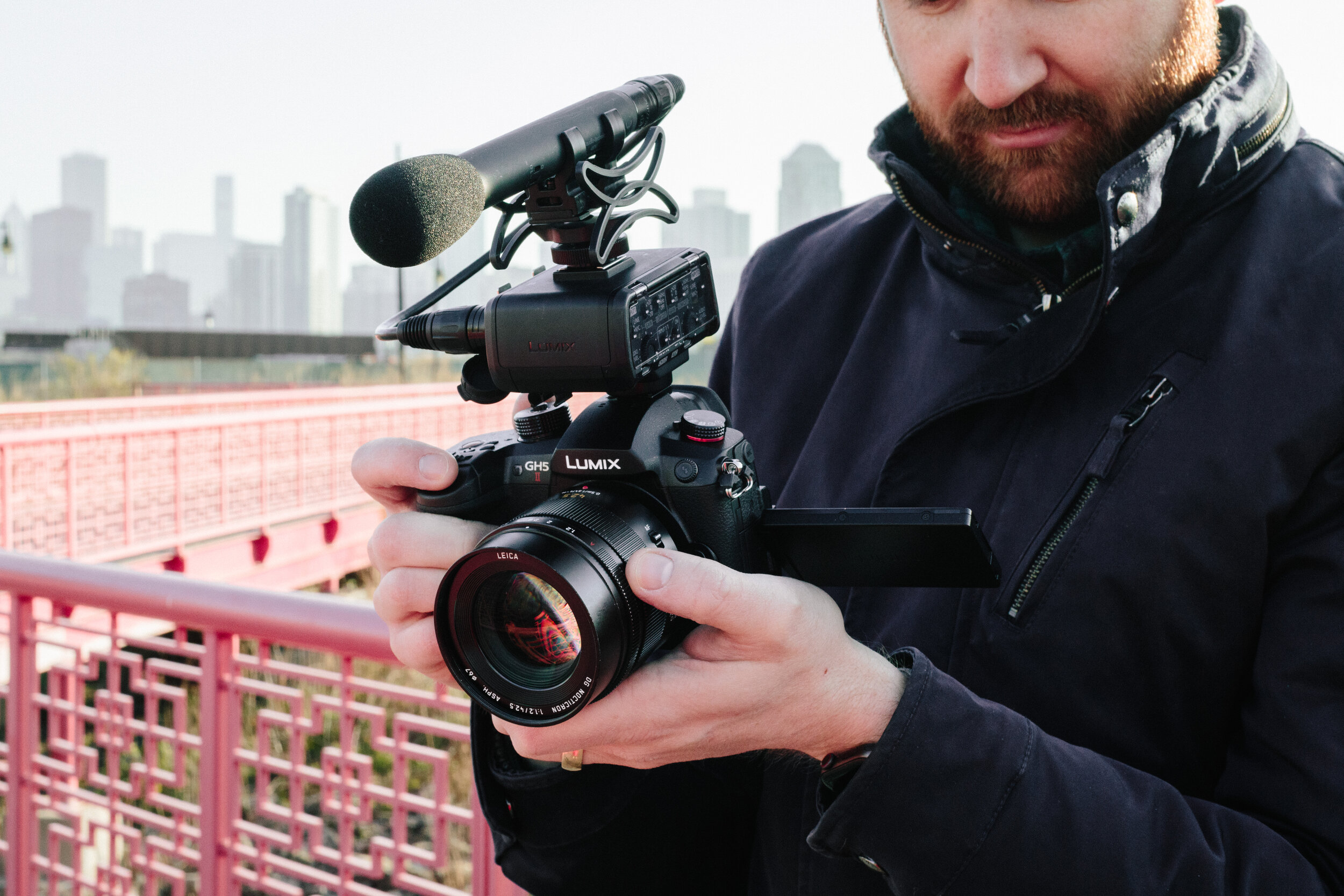
Panasonic sent me a pre-production GH5M2 to test out, and shoot a short film with. Watch the behind-the-scenes video above to learn about the new features in this Lumix GH5M2 camera.
Watch my short film, “Texture” (available in HDR on YouTube)
Shot in C4K 60p, 10-bit 4:2:0 color
You can use my affiliate link—Pre-order the GH5M2 at B&H ($1,700, ships end of June 2021)
For more GH5M2 tech specs, I recommend PhotoJoseph’s excellent video.
Griffin’s HISTORY WITH lumix CAMERAS
In 2010, I purchased my first mirrorless camera—the Lumix GH1.
In 2013, I shot my documentary Sriracha in 1080p24 on a Lumix GH3.
In 2016, Panasonic asked me to be the Global Brand Ambassador for the launch of the Lumix GH5 (released in 2017).
In 2019, just after the birth of my son Peter, I produced Argon, to coincide with the launch of the full-frame Lumix S1.
In 2021, Panasonic asked me to film a test film with a pre-production Lumix GH5M2.
Through this relationship, Panasonic has provided lenses, early-access pre-production cameras, and hired me to teach filmmaking workshops and produce films with and about their cameras.


LUMIX S1
ARGON
Filming “Argon” with the Lumix S1
LUMIX GH5 & GH5S
HAnD-CUT
From chainsaw to cocktail, this beautiful 5-minute documentary tracks the journey of clear, artisan ice into the hands of New York City bartenders. Shot on a Panasonic GH5 in 4K60p.
How to set up your new Panasonic gh5 for filmmaking
Download Griffin's camera settings file
Instructions: Download, then uncompress the .zip file before installing.
Copy the entire AD_LUMIX folder to the root directory of your SD card, or move GRIFFSET.DAT into your existing CAMSET folder.
Example: SD CARD\AD_LUMIX\CAMSET\GRIFFSET.DAT
Insert the SD card into your Panasonic GH5 camera, and navigate to:
Menu > Setup > Save/Restore Camera Setting > Load > GRIFFSET